Audio, video, searchable slides, and AI-structured notes — all on your device. On the Mac App Store, free to try, no subscription required.
Download on the Mac App Store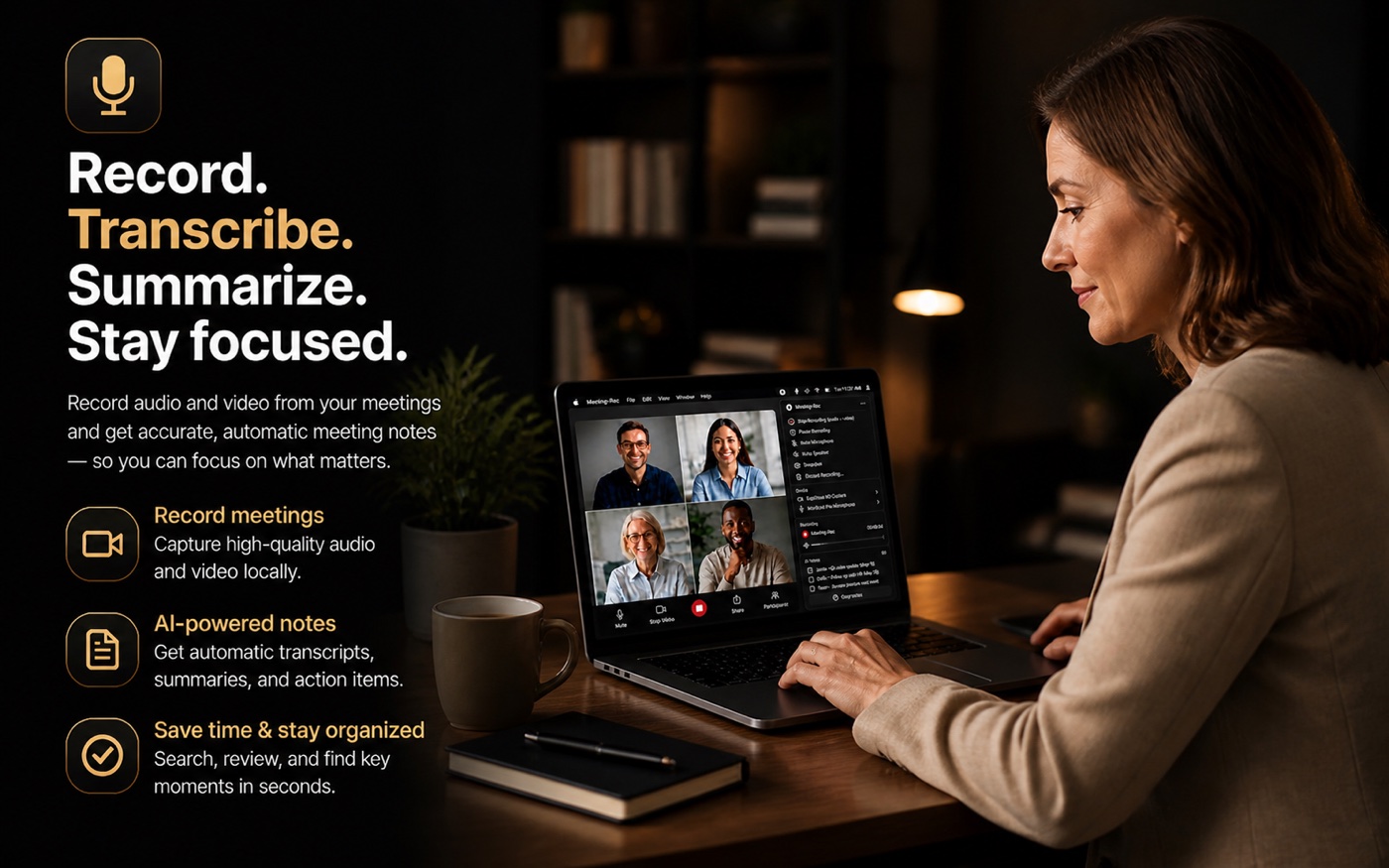
Three things Meeting-Rec captures that audio-only tools miss — because some details aren't in the words.
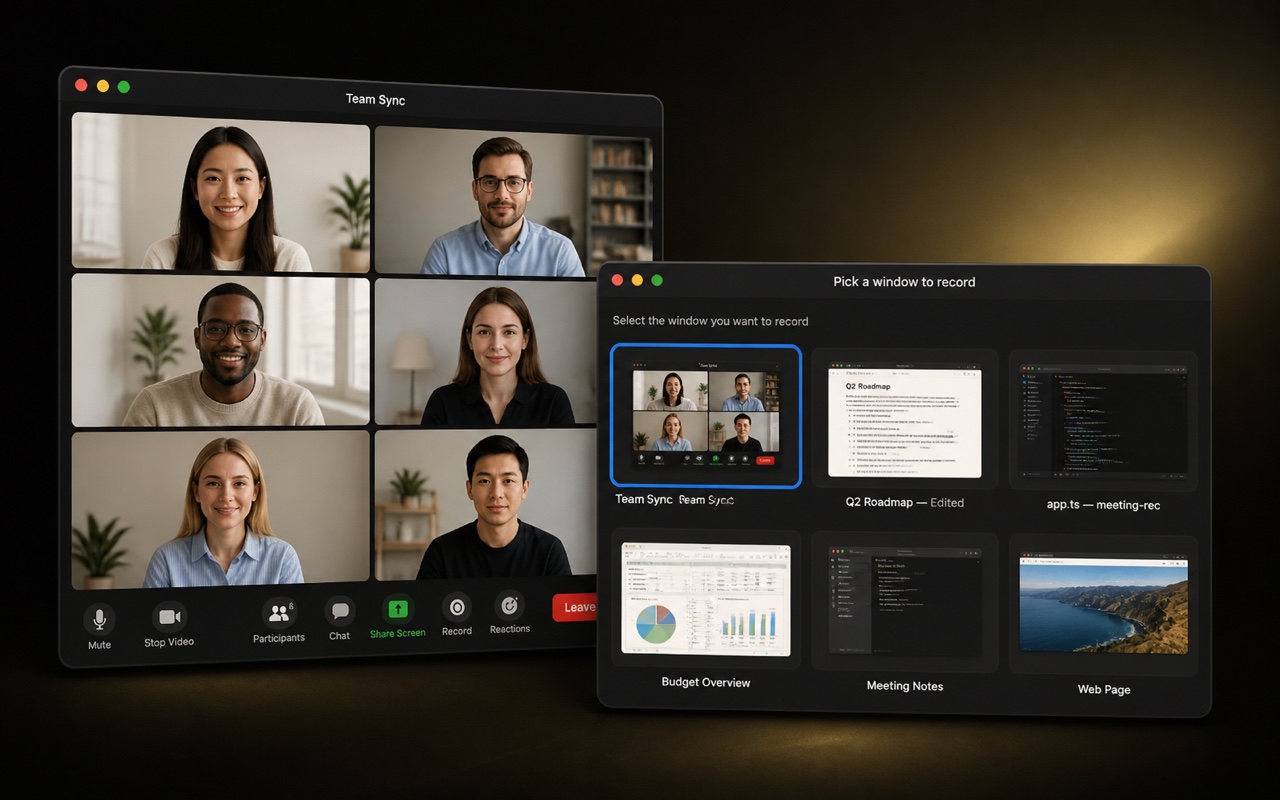
Record the actual meeting window as MP4 video, with your mic and the meeting's system audio muxed into one playable file. Move, resize, or minimize — Meeting-Rec keeps tracking the window. The recording is yours, on your disk.
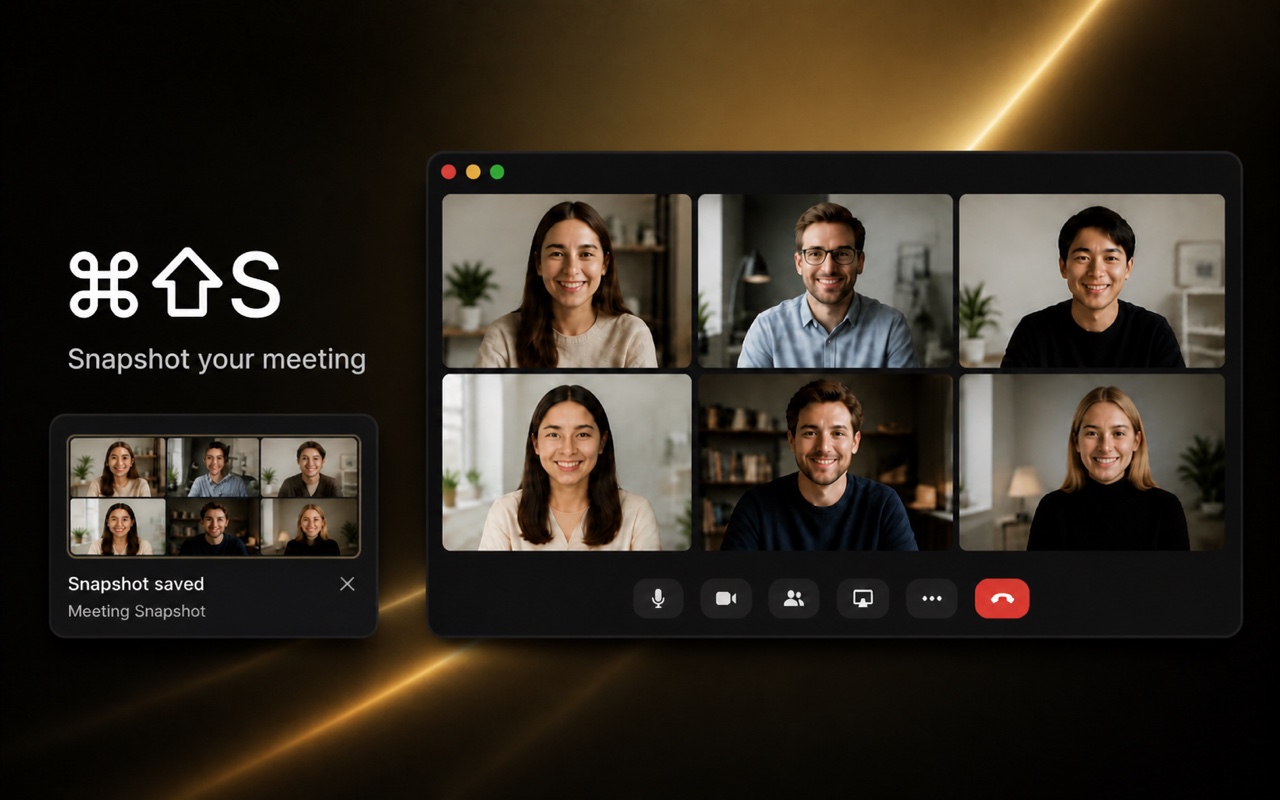
A whiteboard sketch, a slide you'd lose in a transcript, that one diagram — grab it in a single keystroke. Snapshots land in the session folder alongside the audio and transcript, ready to revisit.
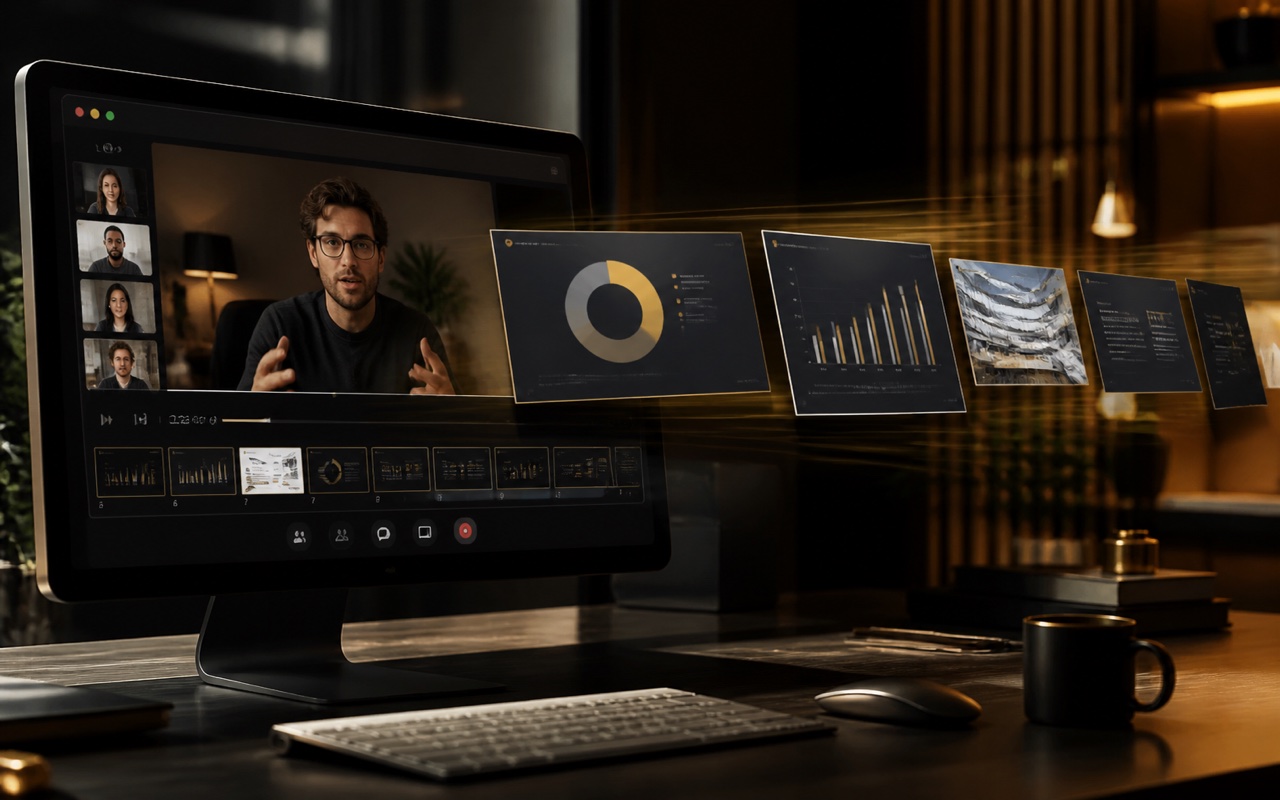
Apple Vision detects when a slide changes in your recorded video, extracts each one as a PNG, and OCRs the text in seven languages. Generate a searchable PDF of the whole deck on demand — no need to ask for the slides in the meeting.
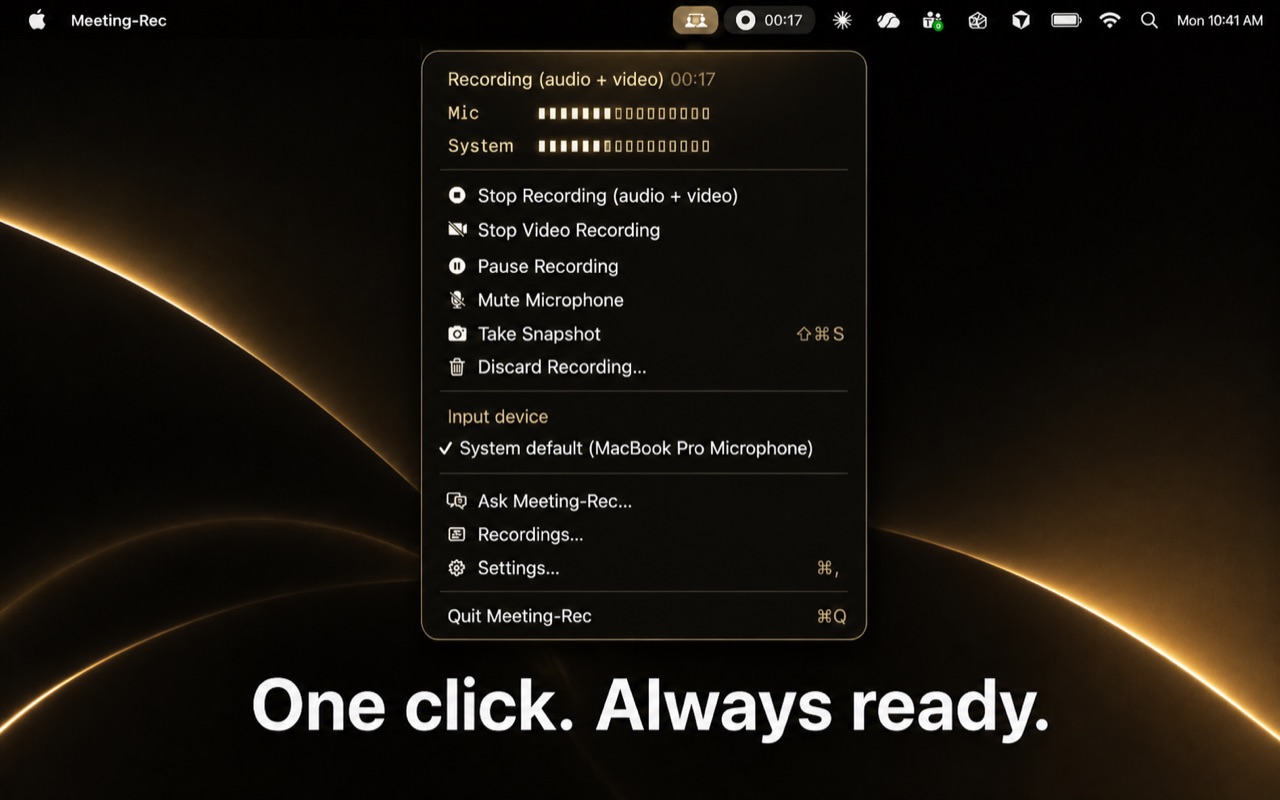
A lightweight menu bar companion that sits and waits. When a Microsoft Teams meeting starts, it starts recording. When it ends, it stops. You don't have to remember — you just have the recording.
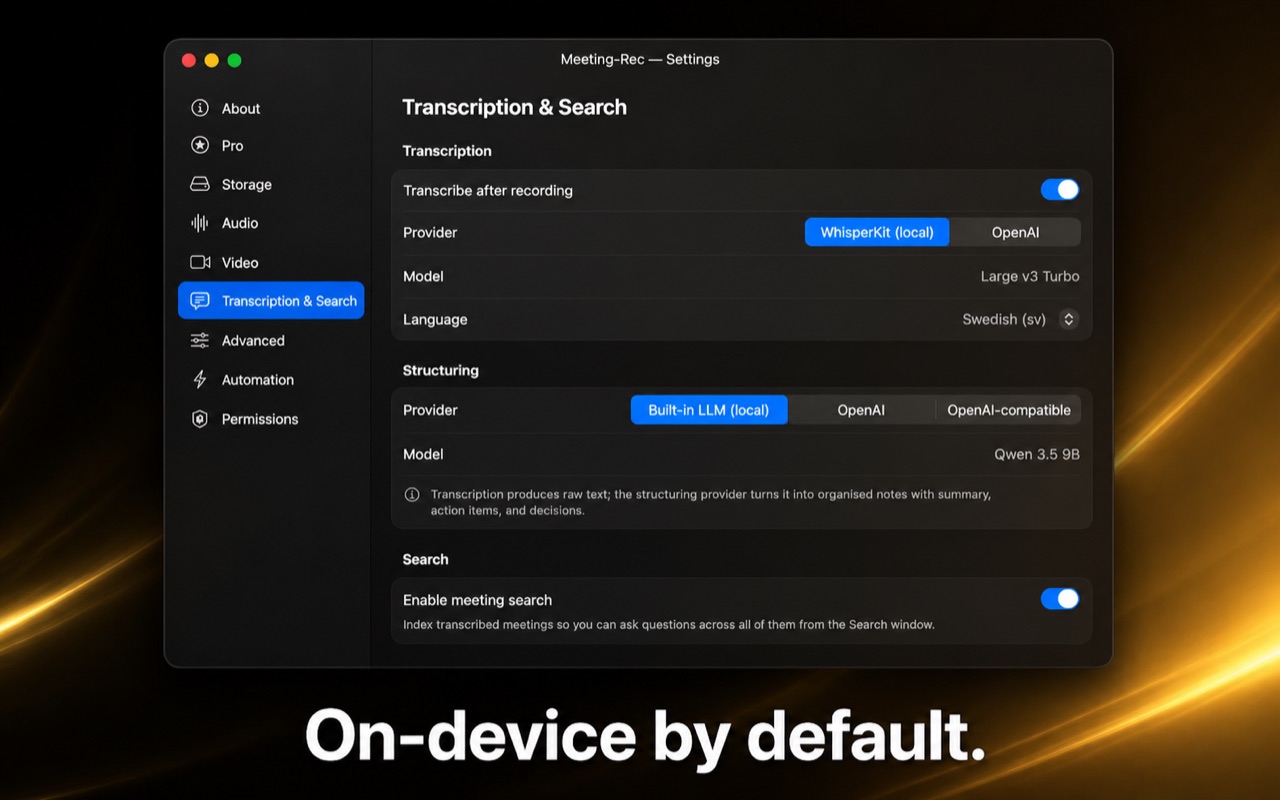
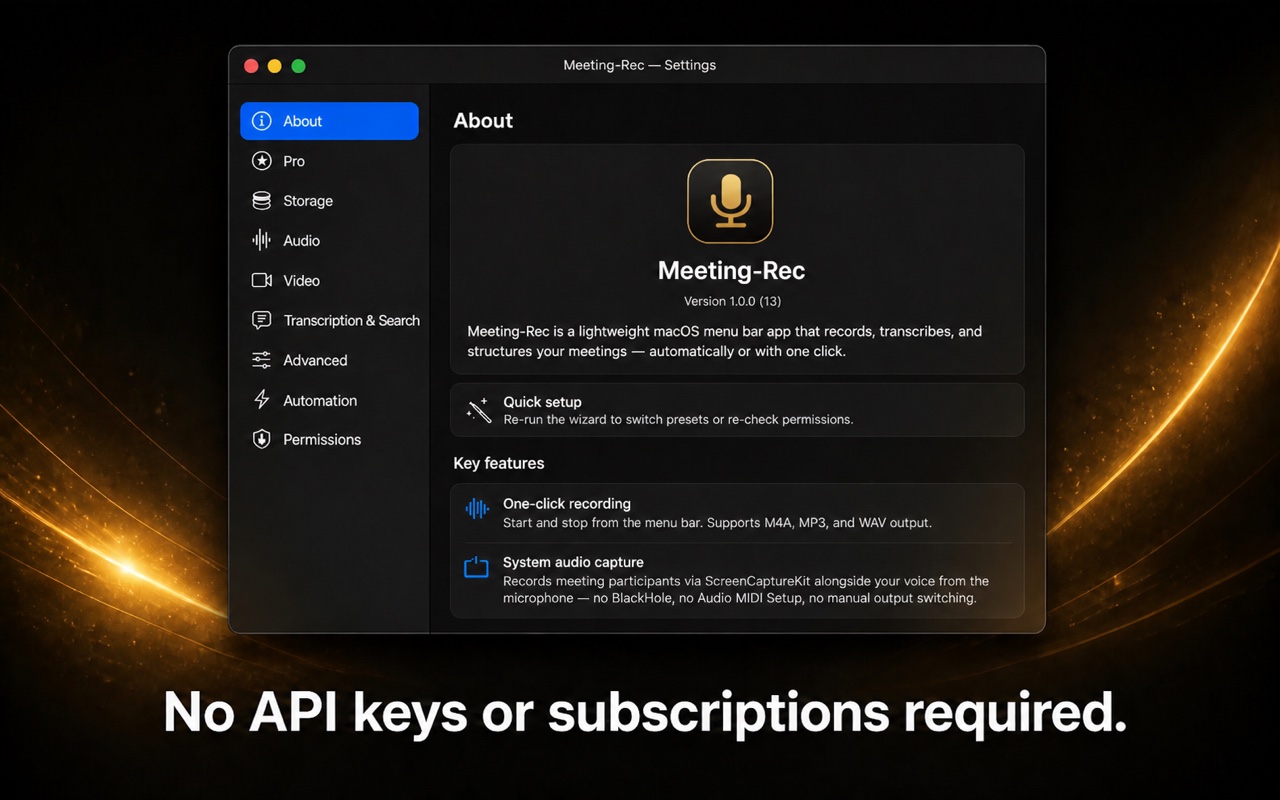
By default, your audio never leaves the device. Transcription runs locally with WhisperKit. AI notes are structured by an on-device MLX LLM (built in, no API key). The search index, transcripts, and recordings live in your home folder — not on someone's server.
The building blocks that make it work — entirely on your Mac.
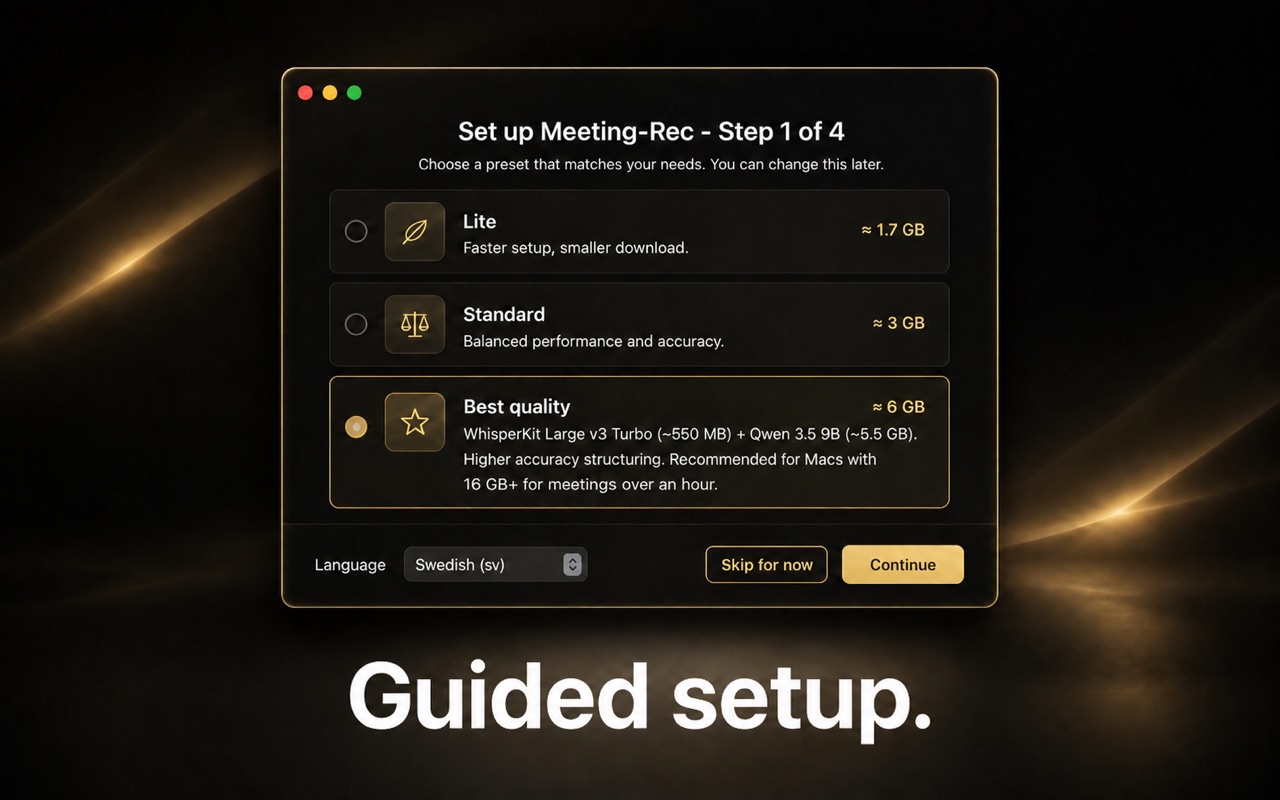
WhisperKit and MLX models run natively on your Mac. No data leaves the device unless you explicitly configure a cloud provider with your own key.
Raw transcripts turn into clean structured markdown — summary, action items, decisions — by the built-in on-device LLM. Customize the prompt to suit how you work.
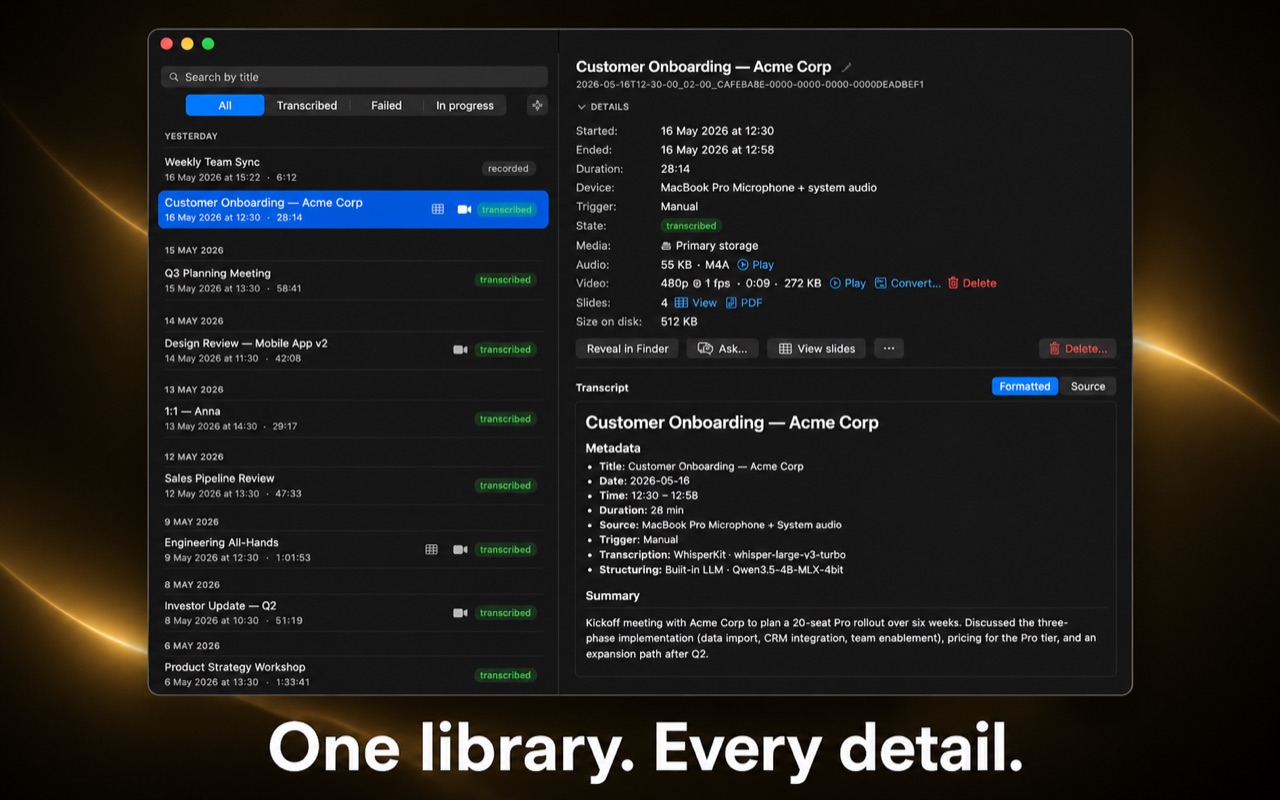
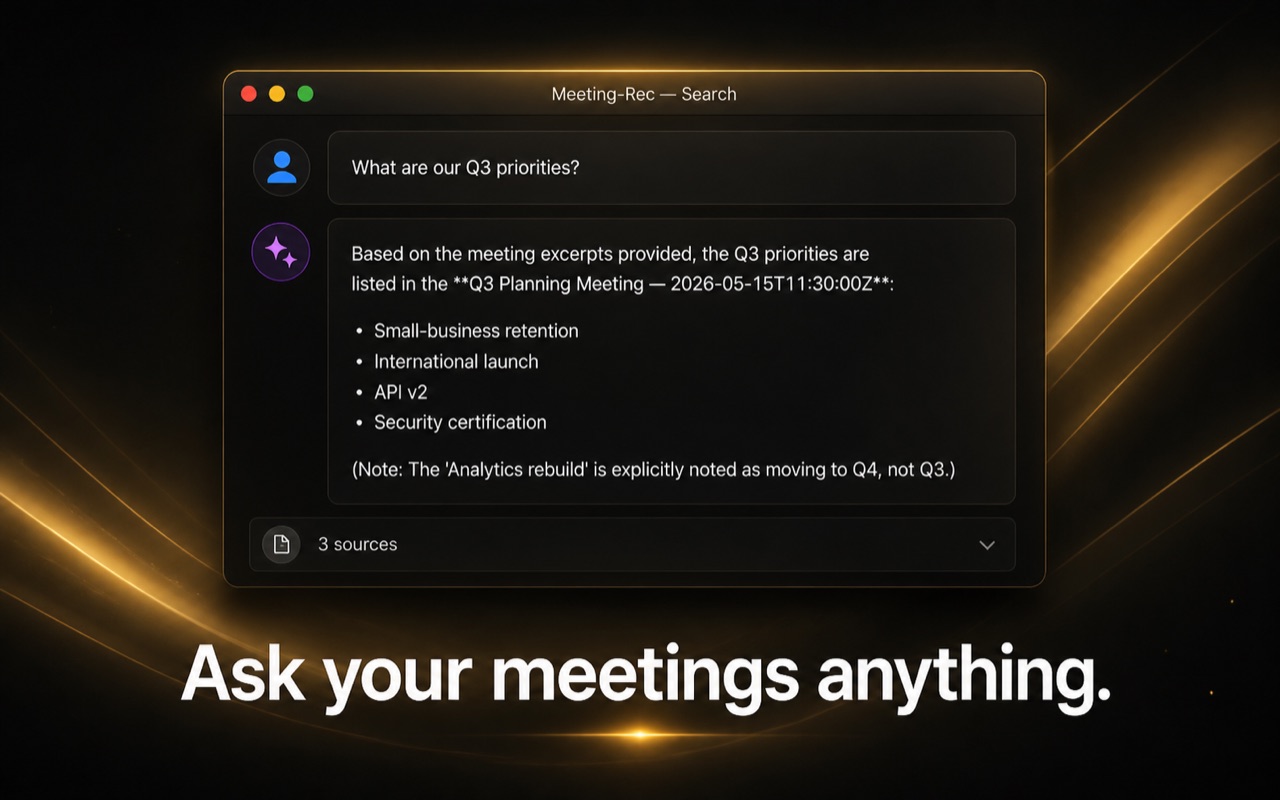
RAG-based search across every meeting you've recorded. Ask "what did Anna say about the migration in March?" and get a sourced answer.
Who said what, attributed automatically by an on-device voice model — no multi-mic setup required. Rename speakers, or let Meeting-Rec suggest names from what was said. Nothing about voices is stored.
WhisperKit, MLX, OpenAI with your API key, or any OpenAI-compatible local server (LM Studio, Ollama, llama.cpp). Mix and match per pipeline stage.
Captures the participants you hear plus your own voice from the microphone — no BlackHole, no Audio MIDI Setup, no manual output switching.
Tell the app the names, acronyms and domain terms your team uses. The AI applies them when writing notes, so your colleagues' names and specialist vocabulary always get the right spelling.
From the menu bar to a searchable library of every meeting — a native Mac app, end to end.
Free with generous monthly limits for occasional use. Pro unlocks unlimited everything, plus Teams automation, session merge, slide extraction, and 4K video — as a one-time purchase, or monthly or yearly if you prefer.
forever, no account needed
one-time, yours forever
Rather spread it out? The same Pro features are also $39.99/year or $5.99/month — cancel anytime.
Subscriptions renew automatically until cancelled, and are managed in your App Store account settings. Pro Lifetime is a one-time purchase and does not renew.
Directions we're investing in for upcoming releases.
Connect Meeting-Rec to Claude, ChatGPT, or any MCP-compatible assistant so you can ask your meetings from wherever you already work — your transcripts and notes stay on your Mac; the assistant just queries them.
Generate a polished PDF that combines snapshots and extracted slides with AI-summarized context for each — a visual timeline of the meeting that's actually worth sharing with people who weren't there.
No. WhisperKit (transcription) and the built-in MLX LLM (notes) run entirely on your Mac, no key required. Bring an OpenAI or compatible key only if you'd rather use a cloud model.
Yes. System audio capture works with any meeting app via ScreenCaptureKit. Microsoft Teams gets auto-start/stop on top (Pro).
On your Mac. Open any session and click "Reveal in Finder" to see the exact folder, or change the storage location to any folder you like in Settings → General. Nothing is synced anywhere unless you do it.
Yes. Built native for macOS 14+, optimized for Apple Silicon.
